
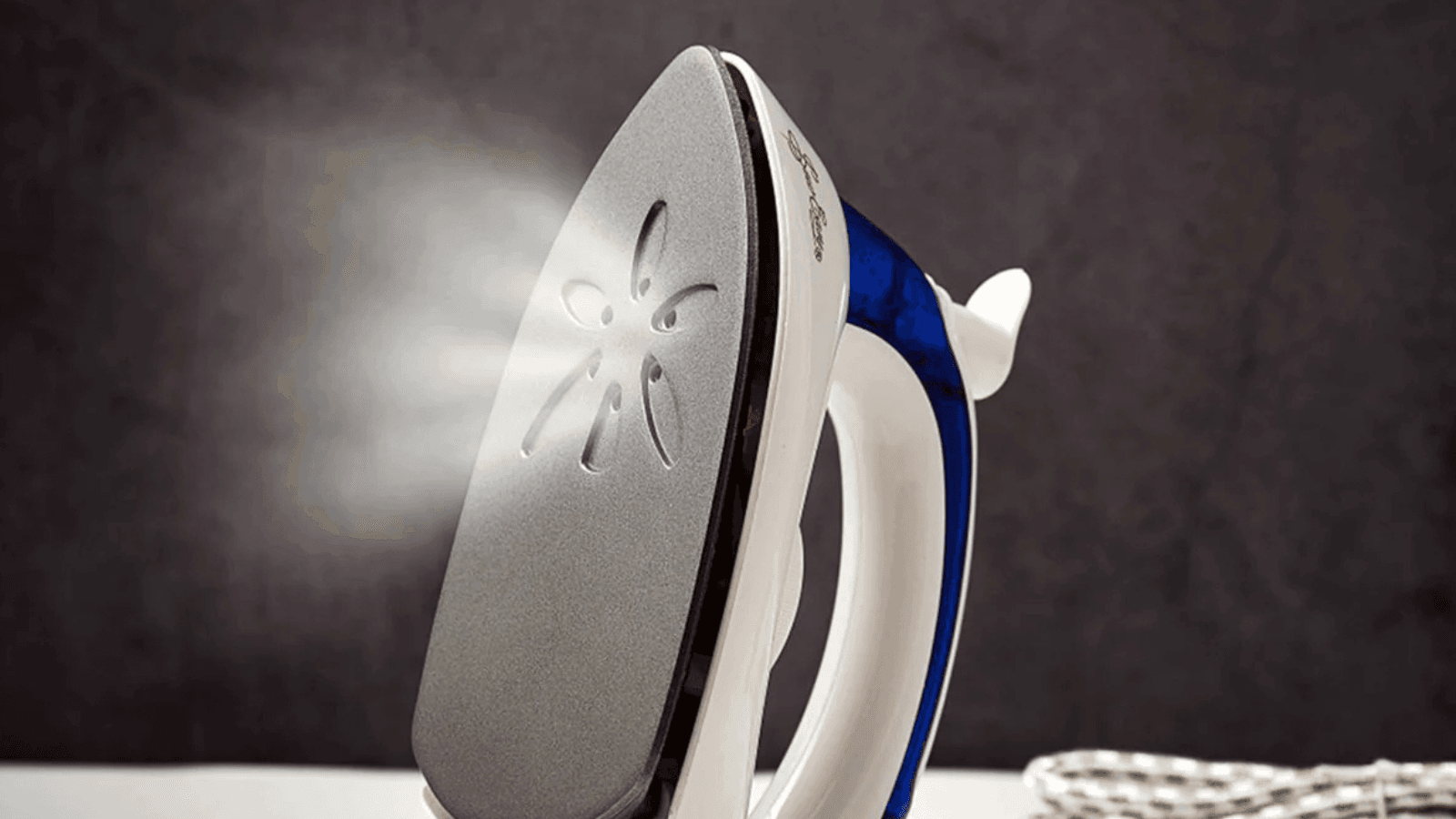
You have a mountain of laundry and a limited amount of time. You fill the iron, wait for it to get hot, and start gliding it over a shirt, but nothing happens. No hiss, no mist, and no steam. Instead of crisp, wrinkle-free fabric, you are just pushing a hot plate over stubborn creases.
A steam iron that refuses to produce steam is one of the most common household frustrations. Before you decide to throw it away and buy a new one, you should know that most steam issues are caused by simple, fixable problems. Whether it is a setting that was accidentally bumped or a buildup of minerals from your tap water, you can usually get your iron back in working order with a few minutes of troubleshooting.
This checklist will guide you through the most likely causes and provide step by step solutions to get the steam flowing again.
Looking for the best steam irons? Find them here.
1. Check the Most Obvious Culprits First
It sounds simple, but many steam issues are the result of basic oversight. Before diving into deep cleaning, verify these three things:
The Water Level
It is easy to lose track of how much water you have used during a long ironing session. If the water level falls below the minimum line, the pump cannot draw enough liquid to create steam. Ensure the tank is filled to at least the halfway mark.
The Power Source
Steam requires an immense amount of energy. If your iron is plugged into a weak extension cord or a shared power strip, it might be getting enough power to light up the indicator but not enough to reach the high temperatures needed for vaporization. Plug the iron directly into a wall outlet to ensure it is getting the full voltage it needs.
The Steam Selector Switch
Most irons have a physical slider or dial that controls the steam volume. Sometimes this gets bumped into the “Dry” or “No Steam” position during storage. Ensure the lever is pushed to the highest steam setting for your troubleshooting.
2. Is the Temperature High Enough?
This is the technical reason behind many “broken” irons. Steam is not a constant feature; it is dependent on the temperature of the soleplate. If the iron is not hot enough, the water will not turn into gas.
Most irons have a “steam zone” marked on the temperature dial. Usually, this starts at the three-dot setting or the “Cotton/Linen” level. If you are trying to iron a delicate silk blouse on a low heat setting, the iron will intentionally disable the steam function to prevent it from spitting water and staining the fabric.
The Fix:
Turn the dial to the highest heat setting and wait for the indicator light to turn off. Once the light goes out, it means the internal thermostat has reached the target temperature. Only then should you try to engage the steam trigger.
3. Clearing Limescale and Mineral Blockages
If you live in a region with hard water, minerals like calcium and magnesium are the primary enemies of your iron. These minerals stay behind when water turns to steam, eventually forming a hard, white crust known as limescale. This scale can block the tiny holes in the soleplate or clog the internal valves.
How to Identify a Blockage:
Look closely at the holes on the bottom of the iron. If you see a white, chalky residue around the vents, your iron is likely clogged.
The Fix:
- Use the Self-Clean Button: If your iron has a self-clean or calc-clean feature, fill the tank, heat it to max, and hold it over the sink while pressing the button. The burst of water and steam will often dislodge the loose scale.
- The Vinegar Solution: If the manual allows it, fill the tank with a mixture of half white vinegar and half water. Let the iron steam over an old towel for several minutes. The acid in the vinegar will dissolve the calcium deposits. Be sure to run a full tank of plain water through the iron afterward to remove the vinegar scent.
- Manual Vent Cleaning: Use a toothpick or a soft toothbrush to gently clear the debris from the individual steam holes. Avoid using metal needles or paperclips, as these can scratch the protective coating of the soleplate.
4. Resolving an Internal Air Lock
Sometimes, after an iron has been stored for a long time or emptied completely, an air bubble can get trapped in the internal pump or tubing. This is called an air lock. When this happens, the pump will hum or vibrate, but it cannot pull water from the tank into the heating chamber.
The Fix:
With the iron hot and the tank full, rapidly press the “Steam Burst” or “Spray” button several times in a row. The physical action of the pump can often force the air bubble through the system, allowing the water to flow again. If your iron has a removable water tank, try taking it out and clicking it back into place firmly to ensure the seal is airtight.
5. Check the Auto-Shutoff Feature
Most modern irons include a safety feature that turns the heating element off if the iron is left stationary for too long. If you have been distracted for a few minutes, the iron might have entered “Sleep Mode.” In this state, the soleplate will cool down enough that it can no longer produce steam.
The Fix:
Gently shake the iron or move it back and forth on the ironing board. Most models will have a blinking light that turns solid once the iron begins reheating. Wait a minute for the temperature to climb back into the “Steam Zone” before trying again.
6. Inspecting the Water Tank Cap and Seals
A steam iron relies on a certain amount of pressure and a vacuum effect to move water correctly. If the cap to the water reservoir is cracked or if the rubber gasket is missing, the system may lose pressure.
The Fix:
Inspect the fill cap for any visible damage. Ensure it clicks or screws into place tightly. If the seal is broken, you might notice water leaking from the top of the iron when you tilt it forward. While a cracked cap might not seem like a big deal, it can interfere with the iron’s ability to “prime” the pump.
7. When It Is an Internal Electrical Issue
If you have tried all the steps above and the iron still feels cold or won’t steam, there might be a failure in the internal components. This could be a blown thermal fuse, a broken thermostat, or a failed heating element.
Safety Warning:
Unless you are a trained professional, you should not attempt to take the iron apart. Most modern irons are not designed to be serviced by the consumer, and opening the casing can lead to electrical shocks or fires.
The Fix:
Check your warranty. Many high-end brands like Rowenta or Philips offer one to two year warranties. If your iron is relatively new, the manufacturer may replace it for free. If the iron is older and out of warranty, it is often more cost-effective to replace the unit than to pay for professional repairs and parts.
Quick Fix Checklist
To save time, run through this rapid fire list the next time your iron goes dry:
- Is there water in the tank? (Fill it to the max line).
- Is the dial set to “Cotton/Linen”? (Steam requires high heat).
- Is the steam switch turned on? (Move the slider to the right).
- Did you wait for the light to go out? (Give it two minutes to heat up).
- Are the vents white and crusty? (Time for a descaling session).
How to Prevent Steam Issues in the Future
The best way to fix an iron that won’t steam is to prevent the clogs from happening in the first place.
- Empty the Tank: Always pour out the remaining water when you are finished ironing. This stops minerals from settling and hardening while the iron sits in the closet.
- Use the Right Water: If your tap water is very hard, use a 50/50 mix of tap water and distilled water. This reduces the mineral load without the acidity issues of pure distilled water.
- Clean Once a Month: Even if the iron seems fine, running a self-clean cycle once a month will keep the internal channels clear and ensure the steam stays powerful.
A good iron is a long-term investment. By performing these simple DIY checks, you can usually solve the problem yourself and get back to your day without a trip to the store.