
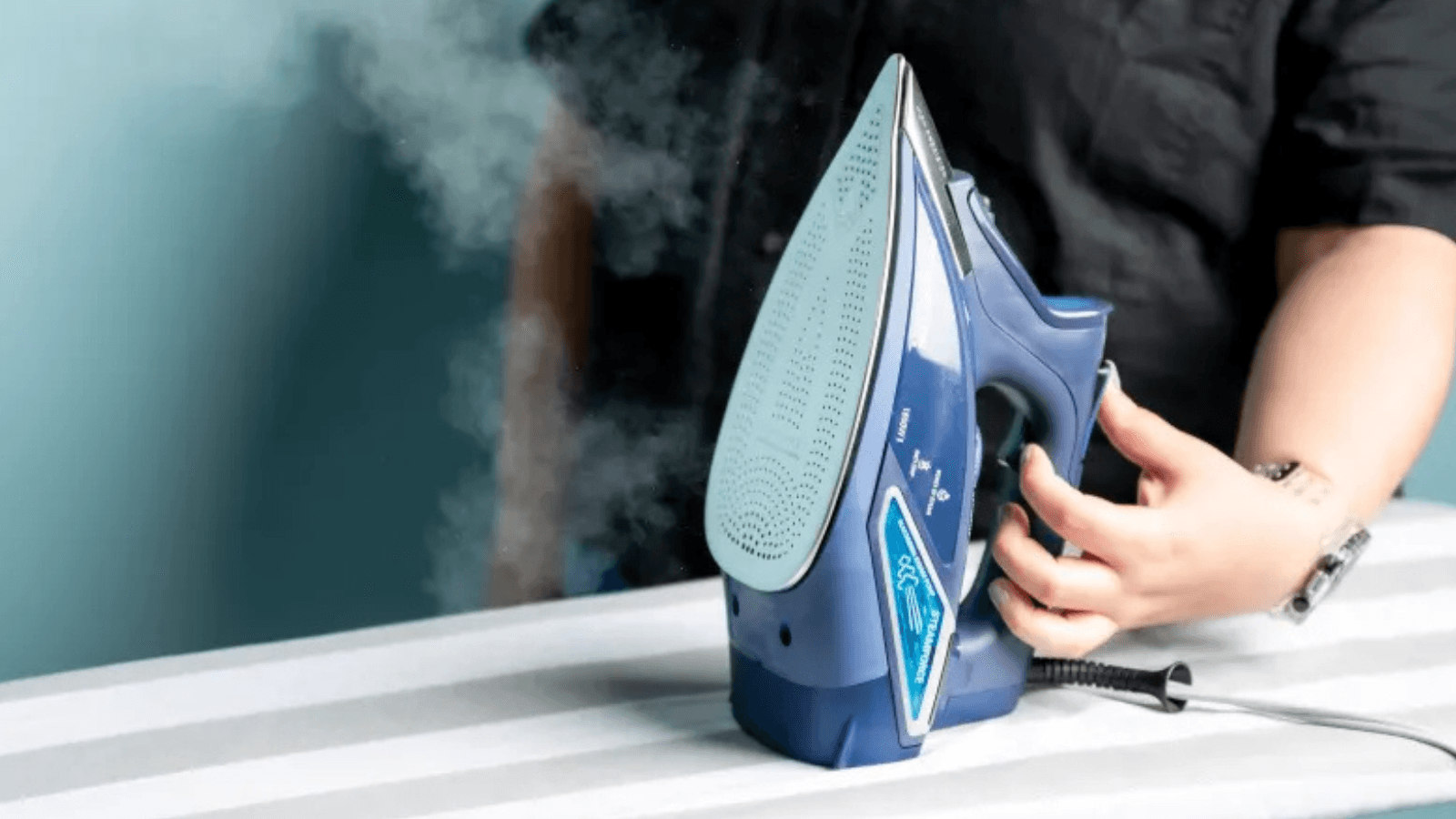
If you take a close look at your steam iron, you will likely see a button or a slider labeled “Self-Clean” or “Calc-Clean.” For many of us, that button remains untouched for the entire life of the appliance. It is easy to assume that the iron is magically taking care of itself in the background, or perhaps the button is just a marketing gimmick.
In reality, the self-clean function is the most important maintenance tool you have. Ignoring it is the fastest way to ensure your iron starts “spitting” brown water or loses its steam power entirely. This guide will take the mystery out of that button, explain the science behind how it works, and give you a realistic schedule for keeping your iron in peak condition.
Note: I’ve published a guide on the best steam irons to buy today just in case you’re in the market for one.
What Does the Self-Clean Button Actually Do?
At its core, the self-clean function is a “flush” system. It is designed to remove the buildup of limescale and mineral deposits that accumulate inside the steam chamber.
To understand the button, you have to understand what happens inside the iron. When you use tap water, the heating element boils the water to create steam. While the water turns into a gas and exits through the soleplate, the minerals like calcium and magnesium stay behind. Over time, these minerals solidify into a hard, chalky substance called calcium carbonate.
When you press the self-clean button, the iron uses a combination of gravity and “thermal shock.” Most self-clean cycles require you to heat the iron to its maximum temperature and then suddenly introduce a large amount of water into the steam chamber while the iron is unplugged.
This process does three things:
- Thermal Shock: The relatively cool water hitting the very hot steam chamber causes the hardened scale to crack and flake off the metal walls.
- Pressure: The water instantly turns into a large volume of steam, creating a burst of pressure that pushes the loosened flakes toward the vents.
- Flushing: The excess water that does not turn into steam carries the sediment out through the holes in the soleplate.
Why You Shouldn’t Ignore It
If you never use the self-clean function, the mineral buildup will eventually block the steam vents entirely. This leads to several problems that can ruin your clothes and the iron itself.
Uneven Heating
Limescale acts as an insulator. If it coats the heating element, the iron cannot transfer heat efficiently to the soleplate. You might find that your iron takes longer to heat up or has “cold spots” that make ironing take twice as long.
The Infamous Brown Spots
When scale builds up, it can trap tiny amounts of moisture and fabric fibers. Over time, these organic materials “cook” inside the iron, turning the white scale into a brown, sludgy mess. Eventually, this sludge will be forced out during a regular ironing session, leaving permanent stains on your favorite white shirt.
Pump Failure
In steam generator irons, a buildup of scale can put extra strain on the internal pump. If the pump has to fight against a blockage to move water, it will eventually burn out.
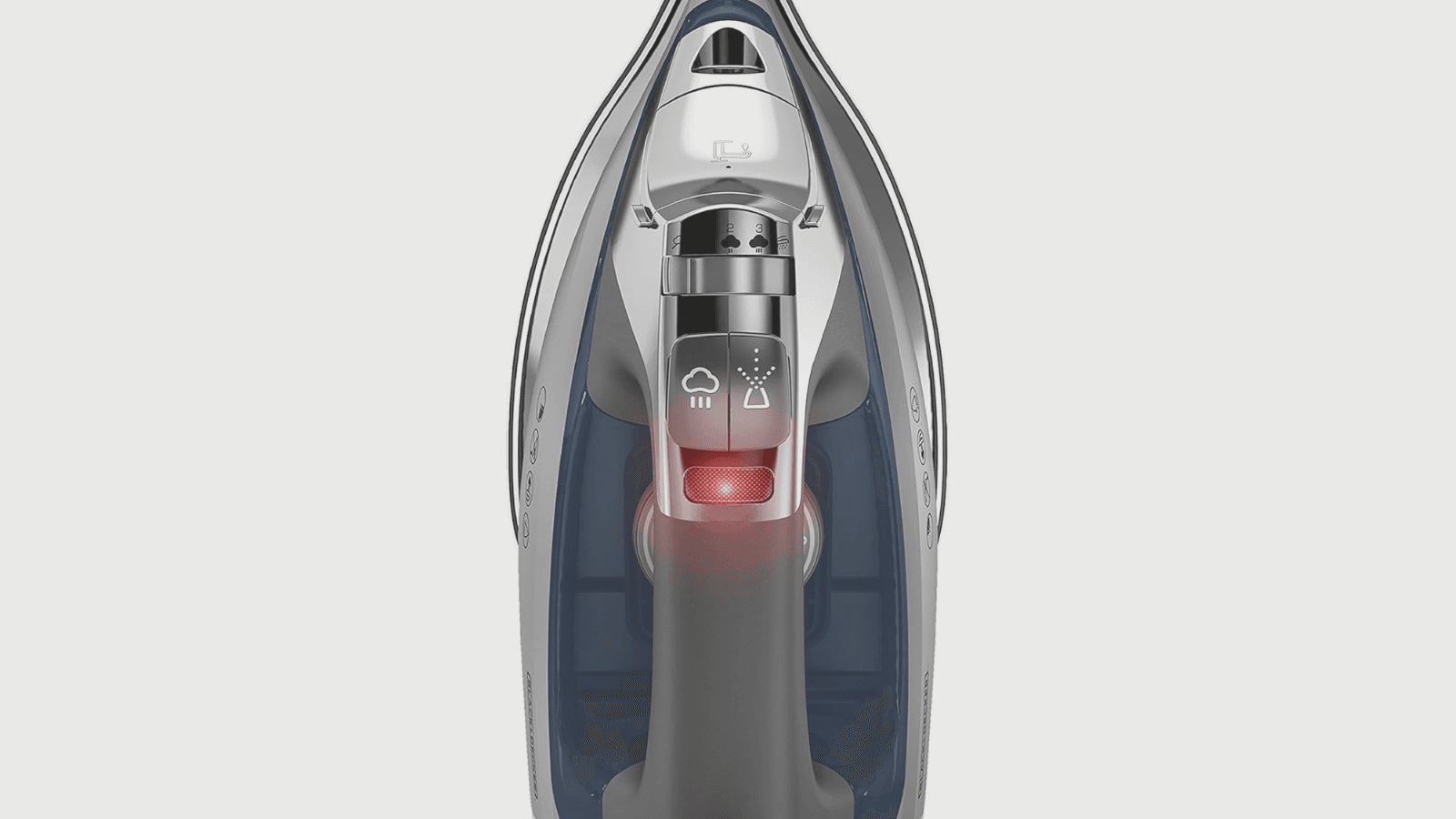
How to Use the Self-Clean Function Properly
Every brand has a slightly different process, but the general logic remains the same. To get the best results and avoid burning yourself, follow these steps:
1. Fill the Reservoir
Fill the water tank to the “Max” line. Use plain tap water for this process, even if you normally use a distilled mix, as the minerals in tap water can actually help “scrub” the internal chamber during the flush.
2. Heat It Up
Turn the temperature dial to the highest setting (usually “Linen” or “Max”). Plug the iron in and wait for the indicator light to go off, signaling that the soleplate is at full heat.
3. Unplug for Safety
Most manufacturers recommend unplugging the iron before starting the clean. This is because you will be shaking the iron over a sink, and you want to avoid any risk of water coming into contact with the electrical cord or plug.
4. The Flush
Hold the iron horizontally over a sink. Press and hold the self-clean button. As you do this, gently shake the iron back and forth. You will see a mixture of boiling water, steam, and white or brown flakes pouring out of the soleplate.
5. The Dry-Out
Once the tank is empty, release the button. Plug the iron back in for a minute or two to evaporate any remaining moisture inside the steam chamber. Finally, rub the warm soleplate over an old towel to wipe away any debris that got stuck in the vents during the flush.
How Often Should You Use It?
The frequency of cleaning depends entirely on two factors: how often you iron and the hardness of your water.
Soft Water Areas: If you live in a place with soft water, you can get away with using the self-clean function once every two or three months.
Hard Water Areas: If you have hard water (which is common in many parts of the country), minerals build up much faster. In these areas, you should use the self-clean button at least once a month.
The “Usage Rule”: A good rule of thumb for regular users is to perform a self-clean cycle after every 10 to 15 hours of ironing. If you only iron one shirt a week, once every six months is plenty. If you iron for several hours every Sunday, a monthly clean is a necessity.
Signs That a Self-Clean Is Overdue
Sometimes the calendar isn’t the best guide. Your iron will often tell you when it needs a deep clean. Look out for these warning signs:
- Decreased Steam Output: If the “whoosh” of steam sounds weaker than it used to, the vents are likely partially blocked.
- White Powder on Clothes: If you see white, chalky dust appearing on your ironing board, the scale has become so thick that it is crumbling out of the vents.
- Dragging: If the iron feels like it is “sticking” to the fabric even when the temperature is correct, there might be a layer of mineral film on the soleplate.
- Spitting: If the iron is leaking large droplets of water instead of steam, the internal chamber is likely so clogged that the water cannot reach the heating element effectively.
Self-Clean vs. Manual Descaling
You might wonder if the self-clean button is enough or if you need to use a descaling solution. For most modern irons, the self-clean button is designed to be the primary maintenance method.
| Feature | Self-Clean Button | Manual Descaling (Vinegar/Solution) |
| Ease of Use | Very easy, takes 5 minutes. | More involved, requires soaking. |
| Safety | Designed by the manufacturer for the specific model. | Can damage internal rubber seals if too acidic. |
| Effectiveness | Excellent for loose scale and debris. | Better for heavy, “fused” mineral blocks. |
| Cost | Free. | Requires buying solution or vinegar. |
As a general rule, stick to the self-clean button first. Only resort to manual descaling or chemical cleaners if the self-clean cycle fails to restore the steam flow, and only if your user manual explicitly says it is safe to do so.
Pro Tips for Better Maintenance
To make your self-clean sessions more effective, try these professional tips:
- Use the Steam Boost: Before you start the actual self-clean cycle, give the iron five or six “shots of steam” over the sink. This helps loosen the initial layer of scale.
- Check the Valve: On many Rowenta and Tefal models, the self-clean button is actually a removable valve. You can pull the entire pin out and soak it in lemon juice for an hour to dissolve the scale that builds up on the valve itself.
- Wait for the “Click”: When heating the iron for a clean, wait an extra minute after the light goes out. You want the internal metal as hot as possible to maximize the thermal shock when the water hits it.
Keeping Your Iron in the Clear
The “Self-Clean” button is not a gimmick. It is a vital mechanical process that protects your iron from damage. By spending five minutes once a month to flush out the system, you can extend the life of your iron by years and ensure that your clothes always come out looking professional and spot-free.
The next time you finish a big load of laundry, don’t just unplug the iron and put it away. Take those few extra minutes to press the button, shake out the sediment, and give your iron the “reset” it needs.